Move your React Native or Flutter app to native Swift
Your cross-platform app works, but it does not feel like an iPhone app. We rebuild it in Swift and SwiftUI and release it as an update, so you keep your App Store listing, your subscribers and your backend.
- Timeline
- 8–16 weeks
- Keeps
- Your listing, subscribers and backend
Who it is for
01
Who this is for
- 01
Apps that feel ported
Scrolling, gestures and the keyboard behave a little differently from the rest of the iPhone, and your users notice even when they cannot say why.
- 02
Teams waiting on a bridge
You want widgets, Live Activities or a new iOS API, and the framework supports it late or through a plugin. Widgets and Live Activities are written in SwiftUI anyway.
- 03
Products going iOS-first
Most of your paying users are on iPhone and you want the best version of the app there. Your Android app can stay as it is.
What you get
02
What you get, and how it runs
Typical timeline: 8–16 weeks.
- 01A native rebuild in Swift and SwiftUI
- 02The same App Store listing, released as an update
- 03Your existing backend and APIs, kept as they are
- 04Saved data carried over from the old app
- 05In-app purchases and subscriptions on the same products
- 06App Store submission and 30 days of support
- 01
Discovery
We go through the current app, its codebase and its data, then agree a written scope and a fixed quote.
- 02
Plan
Every screen listed, the data migration designed and the order of work agreed before we write code.
- 03
Rebuild
Swift and SwiftUI in two-week sprints, with a TestFlight build every week to compare with the current app.
- 04
Release
Submitted as an update to the same app, and released gradually if you want to watch it land.
What a migration has to keep
03
What a migration has to keep
A rebuild is only a success if the people already using the app notice nothing except that it feels better. These are the four things we plan first.
The listing and its history
The new app is released under the same App Store record, as an update. Reviews, ratings and search history stay with it.
Subscribers
The native app sells the same in-app purchase products, so active subscriptions carry on and nobody has to subscribe again.
Saved data
What the old app stored on the device is read and moved on first launch, so people keep their data after the update.
Links and notifications
Universal links and push notifications keep working, so links that are already out there still open the app.
Our own apps
04
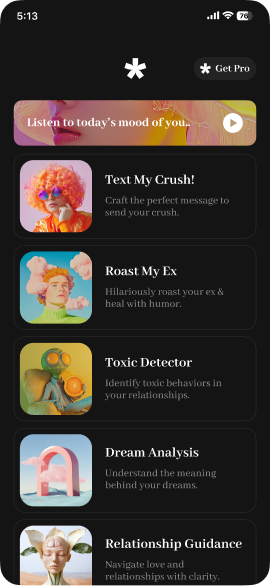
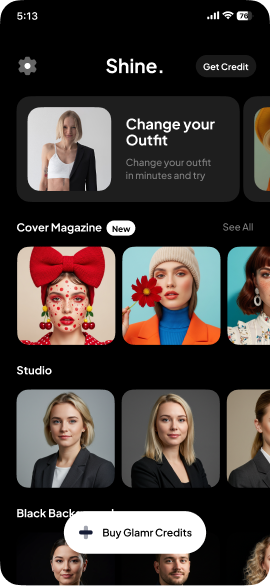
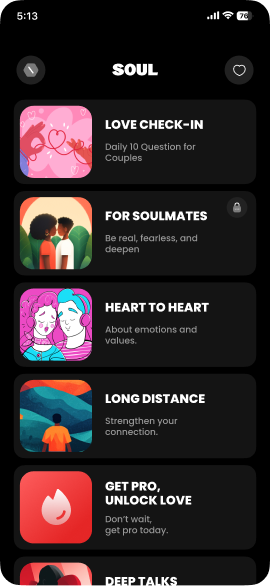
The same team runs five apps of its own
Designed, built and operated in-house, in Swift and SwiftUI. What we learn running them goes into the apps we build for you.
Questions
05
Questions about moving to native Swift
Not covered here? Write to hello@pull.house.
No. The native app is released as an update to the same app record, so the listing, its reviews and its history stay as they are.
From our guides
06
Related services
07
Contact
08
Have an iOS app to build?
Tell us what you are making. If we are not the right team for it, we will say so.